Once you purchase an Awesome Table Apps paid plan, you must choose which apps will benefit from it.
Procedure
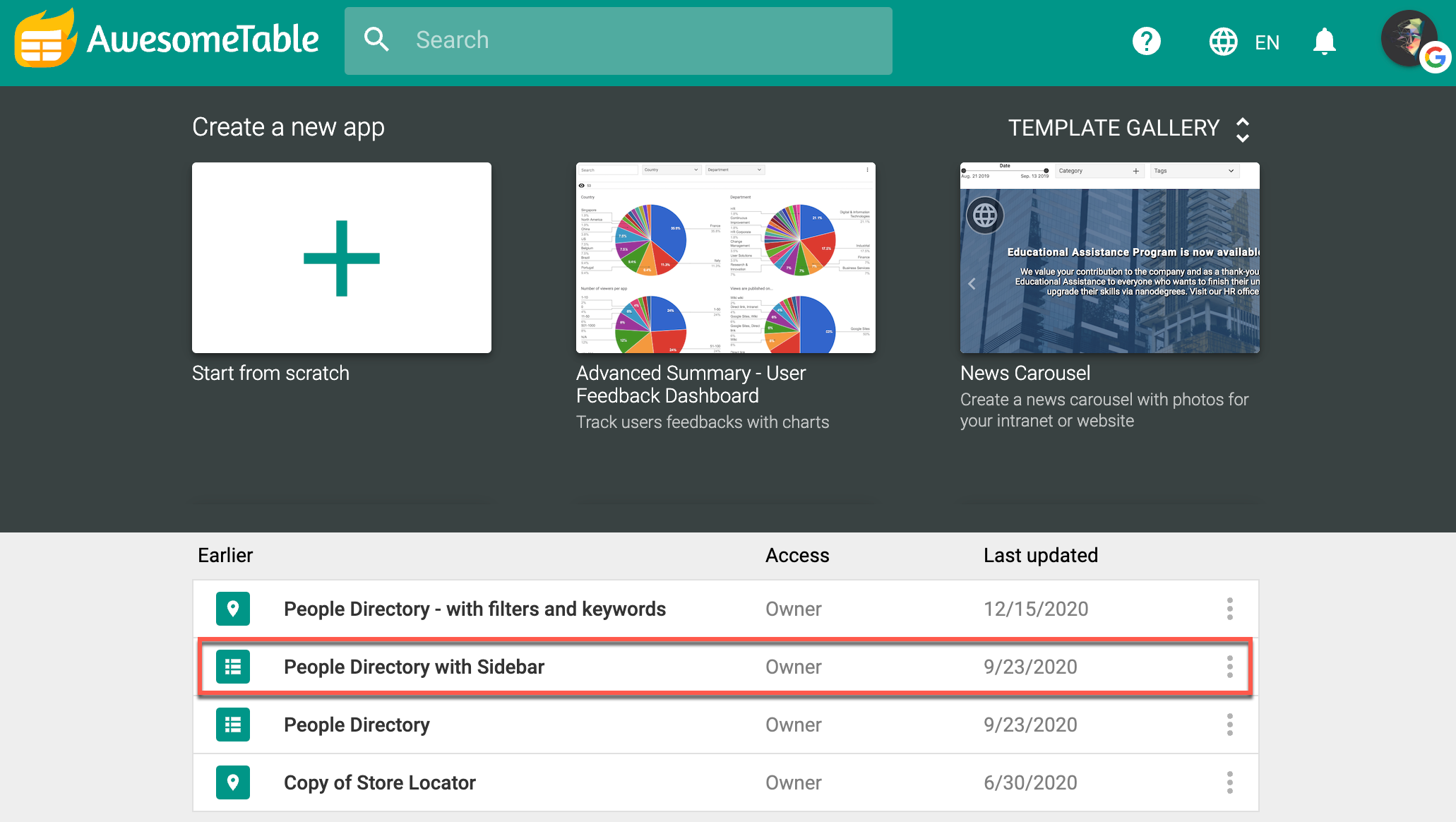
- Log in to your account.
- Select the app for which you want to activate the plan.
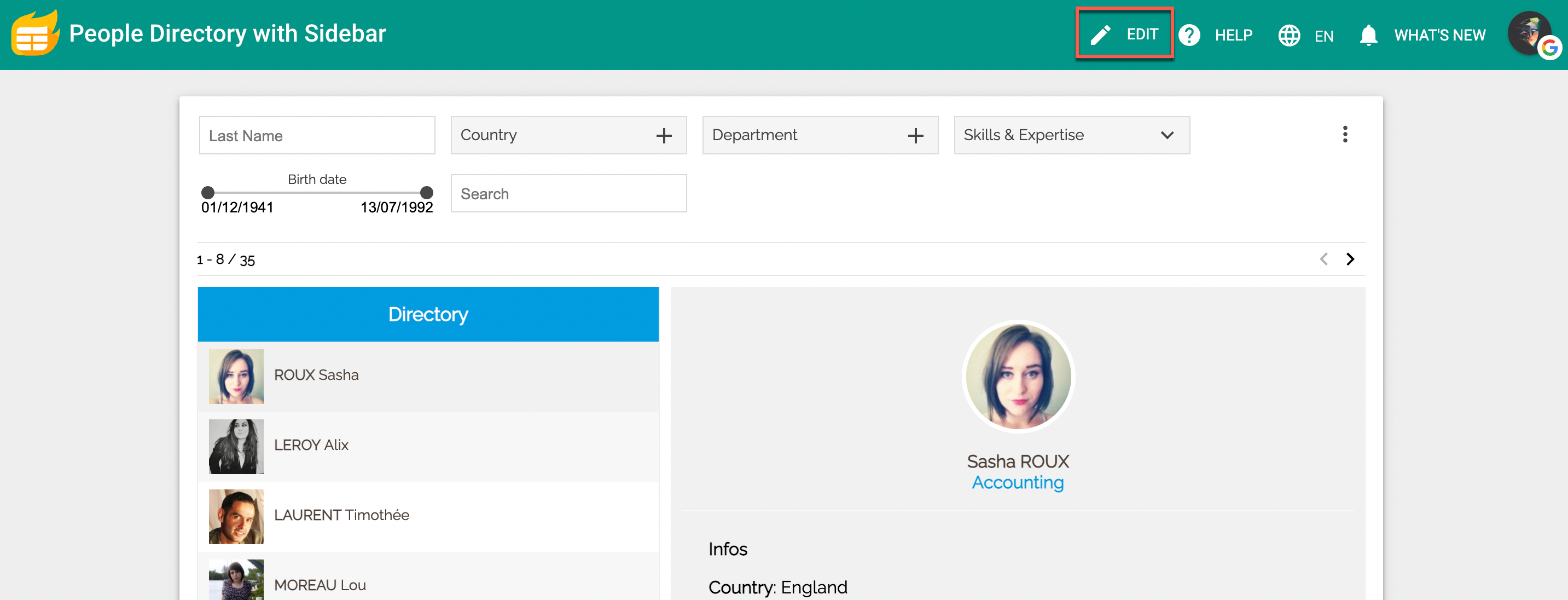
- Open the app configuration by clicking Edit.
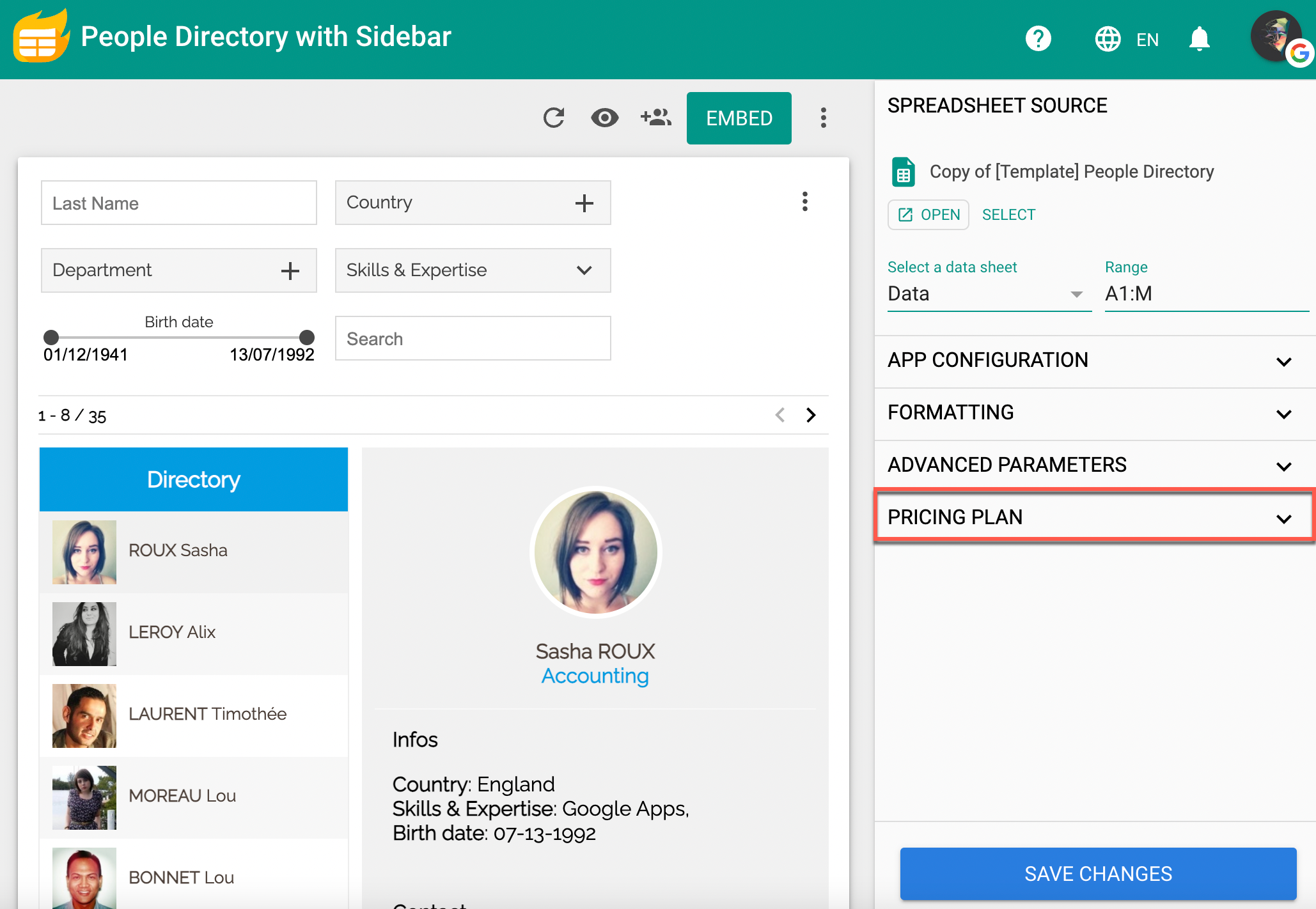
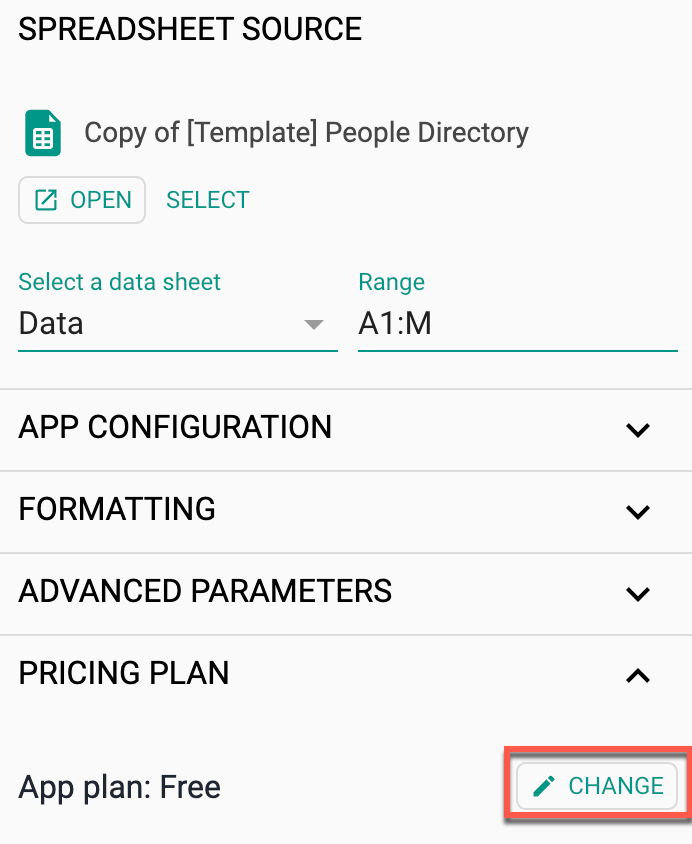
- Select PRICING PLAN.
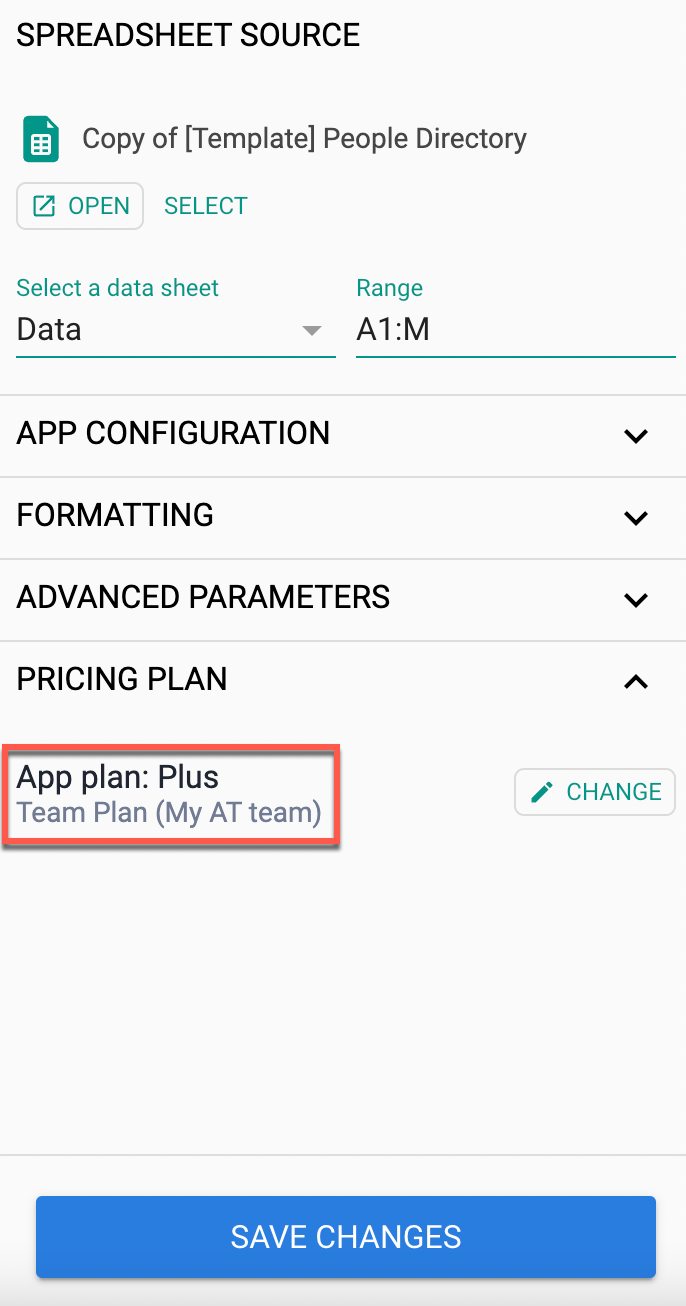
- Click CHANGE.
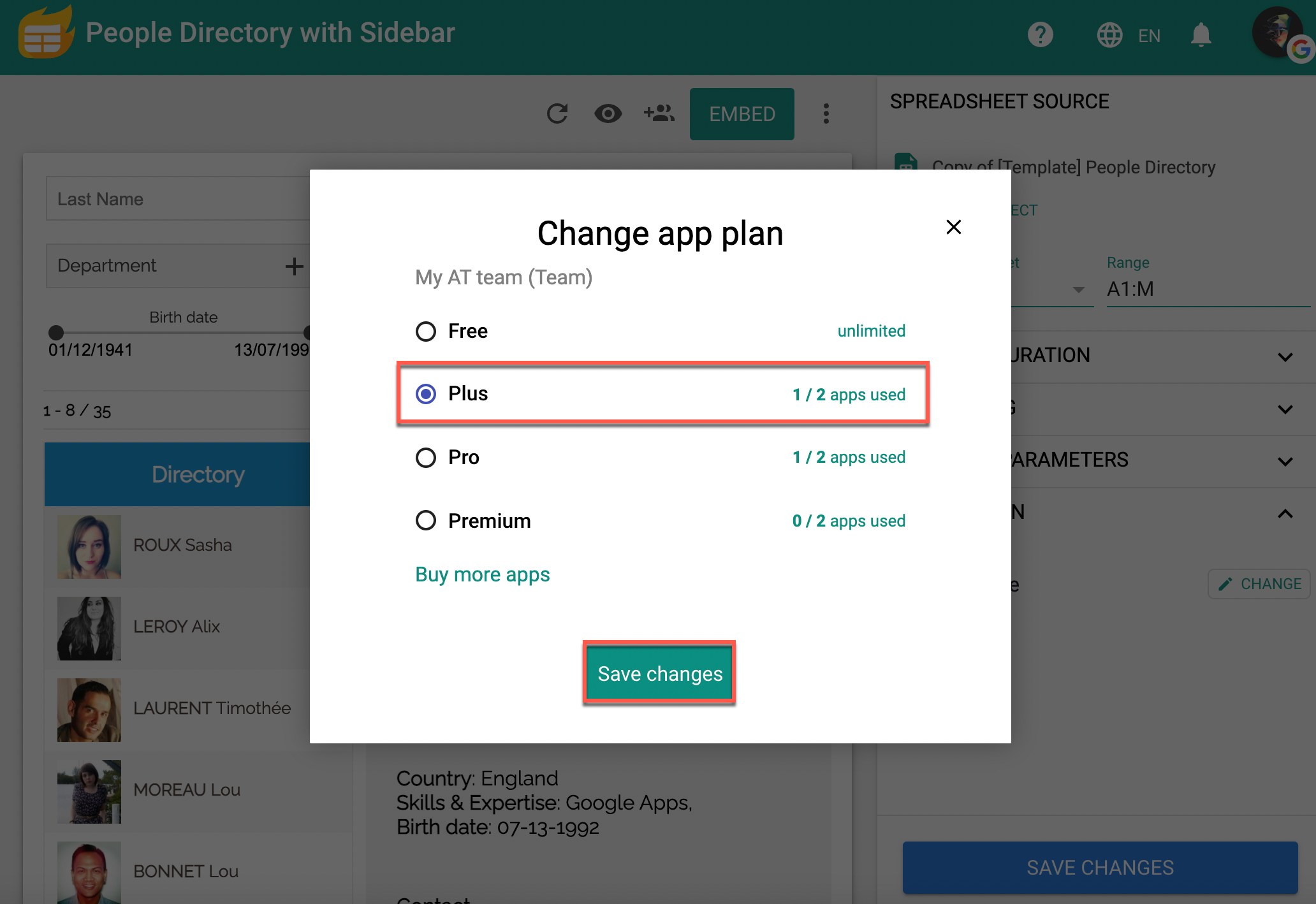
A Change app plan pop-up appears. - Select the plan you want to activate, and click Save changes.
Result
The plan is now activated in your app.