To import data from Jira, follow the steps below to log in the Jira connector with the Awesome Table add-on.
Procedure
- In the Awesome Table add-on, click the Jira connector.

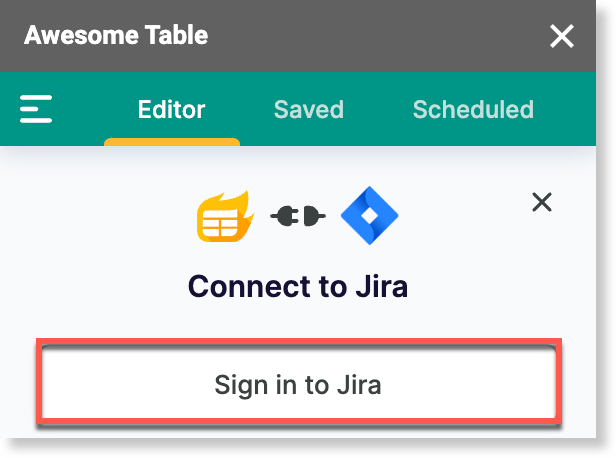
- On the Connect to Jira screen, click Sign in to Jira.
A new page opens. - Log in to Atlassian with your account.

- Close the page and go back to your Google sheet.
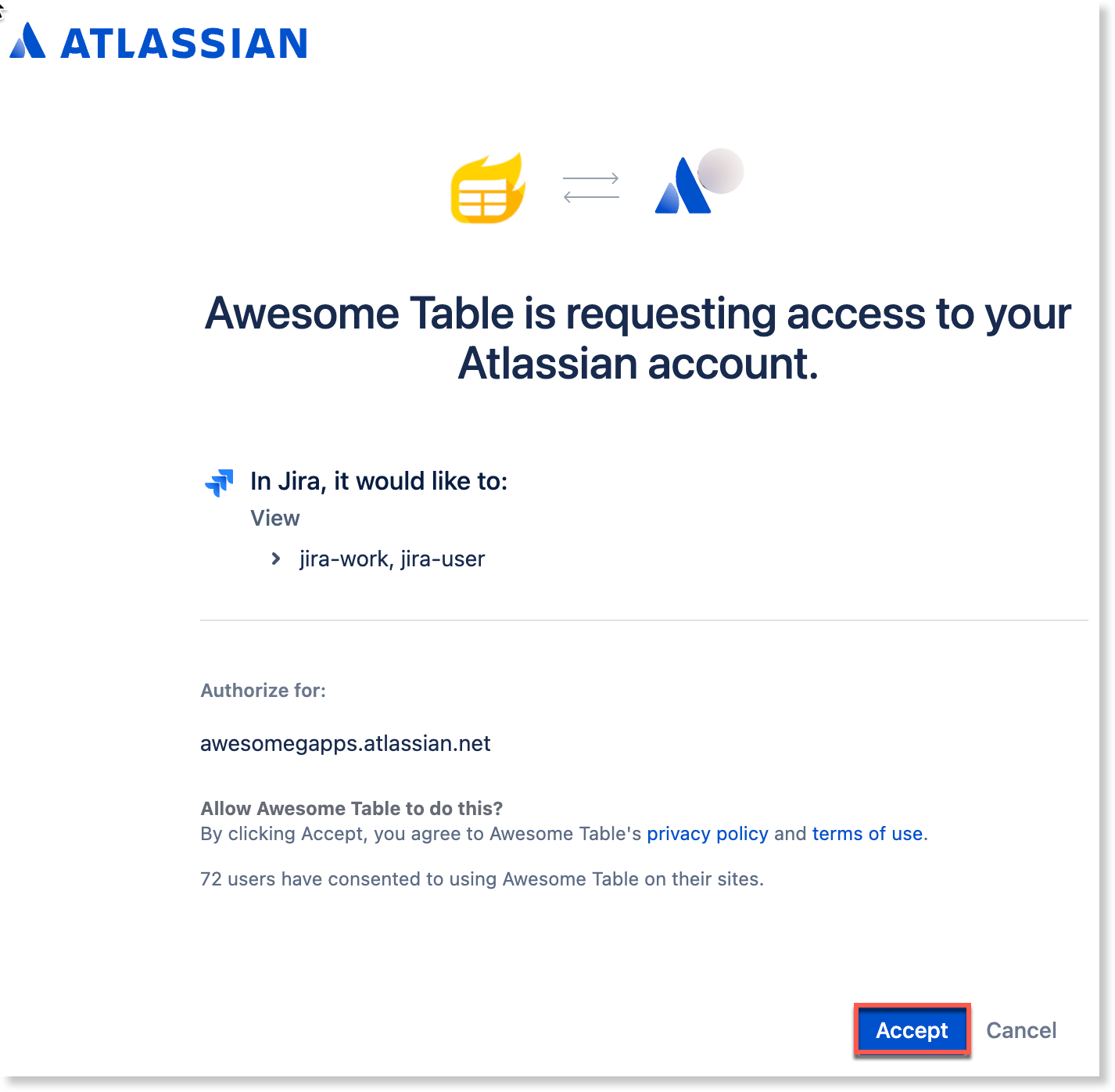
- Click Accept to accept the authorizations.
If your authorization is successful, Awesome Table shows the following screen.
Result
You are now logged in with the Jira Connector.
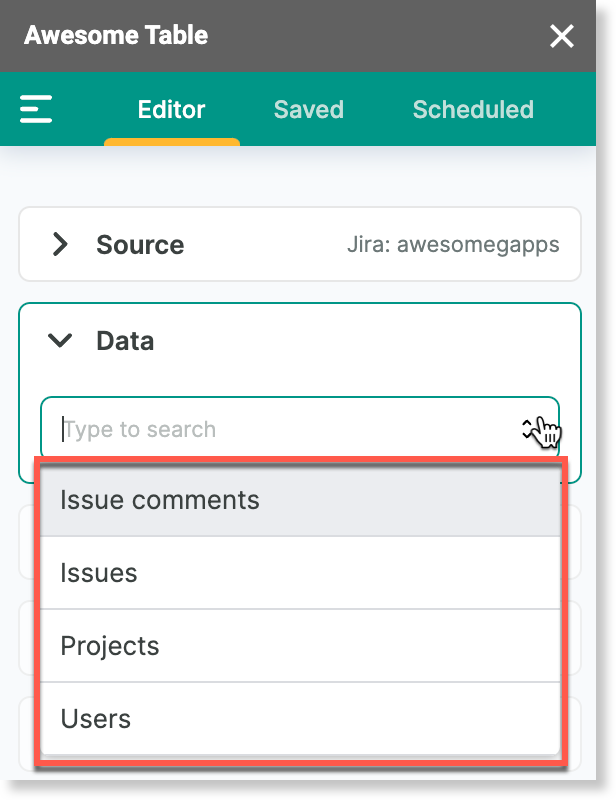
The Data drop-down shows the data you can import from Jira into Google Sheets.