Install the Awesome Table add-on from the Google Workspace Marketplace to easily import data into Google Sheets from Google Drive, Google Photos, Stripe, HubSpot, Salesforce, Zendesk, and many others.
Procedure
- Go to the Awesome Table page in the Google Workspace Marketplace.
- Click Install.

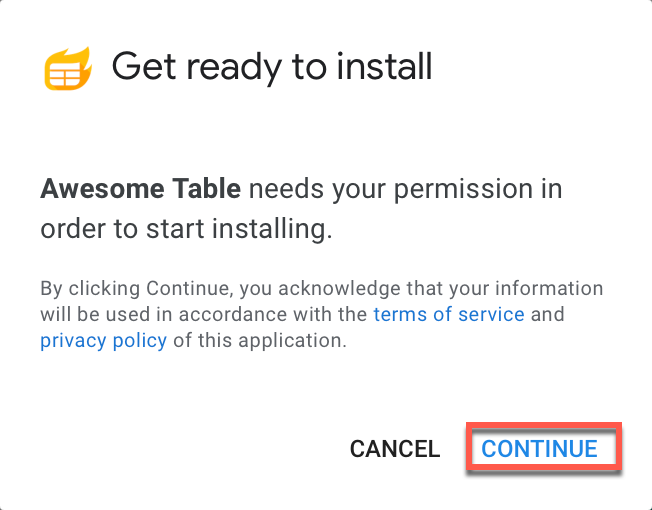
- Click Continue in the confirmation box.
A Sign in with Google window opens. - Select for which Google account you want to install Awesome Table.

- Click Allow to grant Awesome Table the required permissions.

You are redirected to the Google Marketplace page.
Result
A pop-up window indicates that Awesome Table has been installed.
What's next
Click Next and Complete additional setup now after the installation is complete.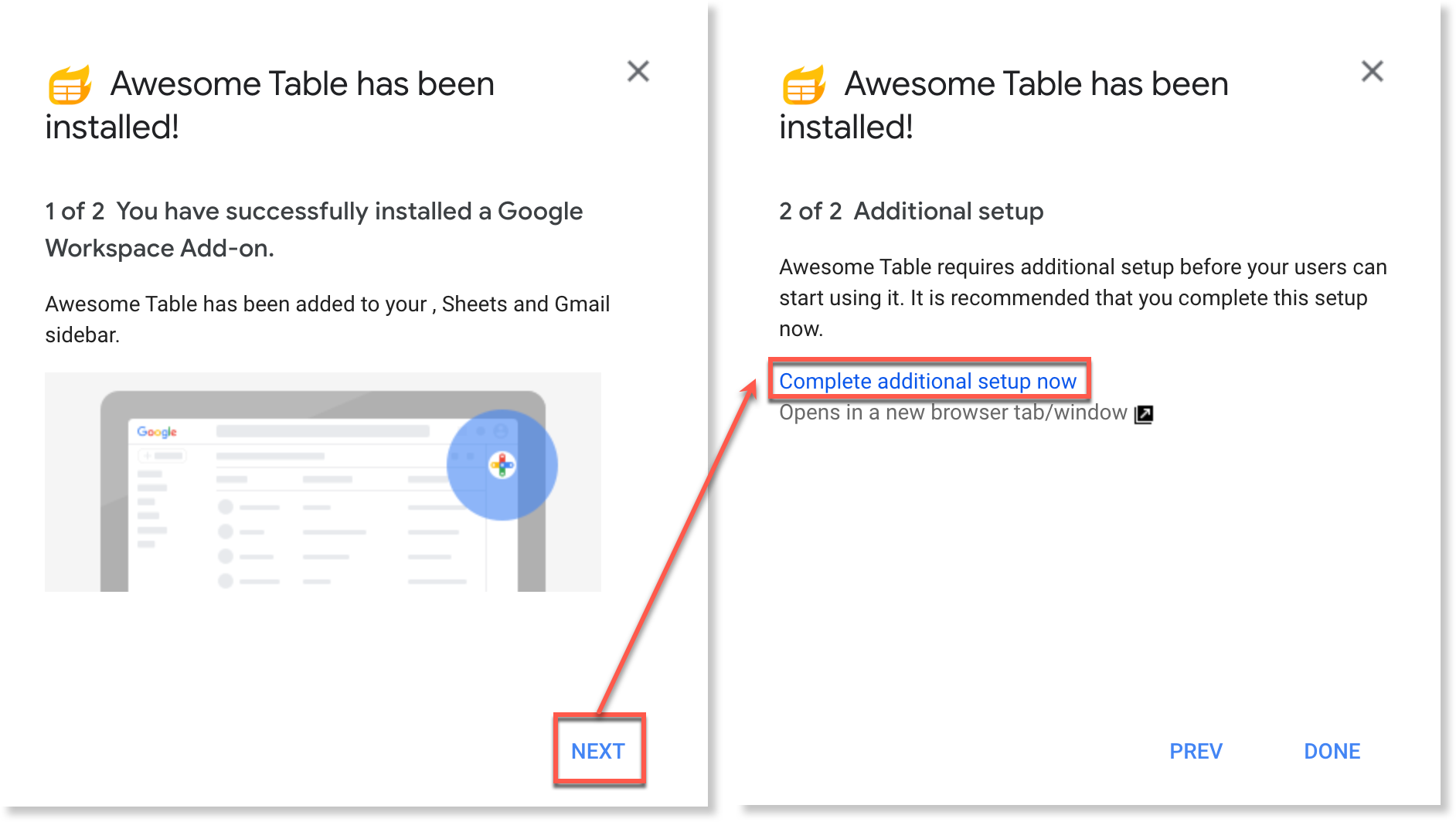
You can now launch Awesome Table.